Main post
Addictive websites and apps have been poisoning society with incredibly alluring infinite feeds for years and show no signs of stopping. In an attempt to partially un-poison myself, I have long uninstalled the offending apps on my phone, and recently even blocked the websites on my phone, which has worked very well.
On an iPhone, you can do this in the Settings app under Screen Time → Content &
Privacy Restrictions → App Store, Media, Web, & Games → Web Content. From there,
select “Limit Adult Websites” and add instagram.com, youtu.be, and
youtube.com under “Never Allow.”
Those websites are just way too addictive to be on a device that’s with me 24/7. I’d rather use YouTube on my laptop, which at least has some limitations on when I can use it.
On my laptop, I use this extension to block comments, related videos, and other distracting parts of YouTube.
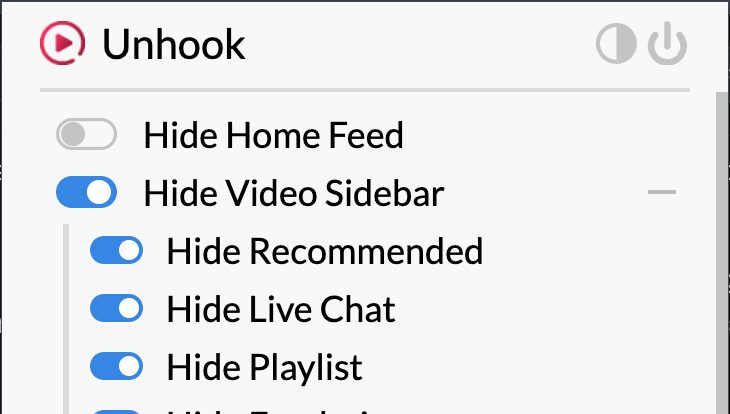
This way, I can still see what people are posting, such as the content from people who read the news, test out AI models, and then post their findings to YouTube. That is interesting and sometimes useful. But it's a slippery slope, and I don't want to get sucked in all the time.
A lot of these channels use tactics like clickbait to signal that there might be a secret in their video, even though there is not. I feel that this sometimes damages their credibility. However, they are earning a living, and I don’t expect every video to be high quality.
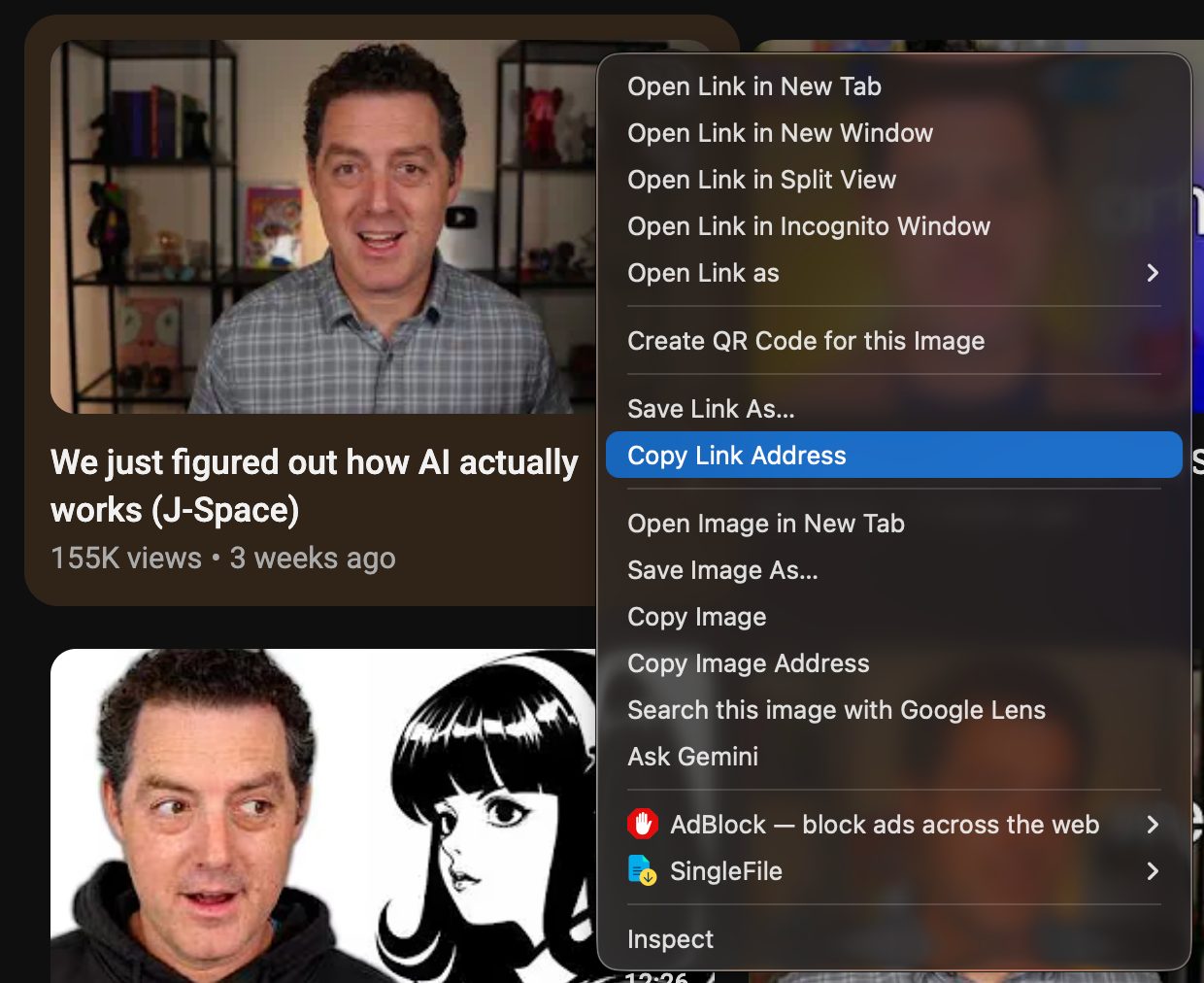
Recently, instead of watching videos, I right-click the thumbnail, copy the link address, and paste it into a Codex chat.
I have one thread where I’ve told it to find the transcript for any video I paste, and then give me a no-bullshit synthesis of its conclusions, so that I don’t have to watch it.
The results are that most videos do not really contain anything substantive. But some do, and the value of those that do can usually be distilled to a few sentences. If an idea is valuable and I'd like to see the full content, then I'm already primed on the concepts, which increases comprehension.
It's also interesting to go straight from reading its conclusions to asking the same AI what it thinks about the contents. For example, if it's a 40-minute video about the economics of a country, after pasting the link and reading its conclusions, I can then ask the AI if the video is fearmongering or if it makes any real claims. Then the AI can research those claims and help me test them.
Overall, I like this workflow. I think it's a good bridge from the addictive side of YouTube to the real world. Try it out if you like.